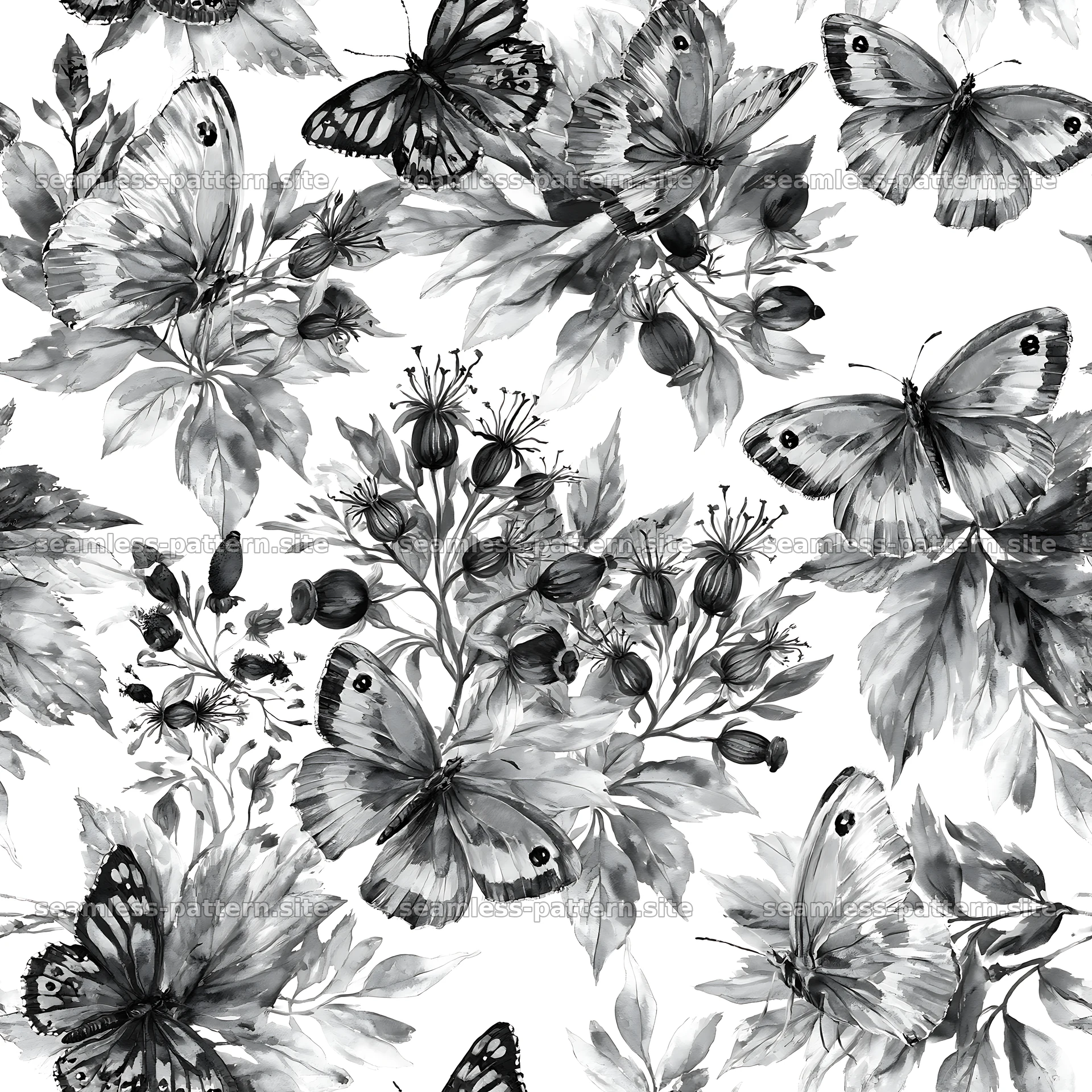
Seamless pattern guide
How do you use a seamless pattern as a CSS background?
Create an optimized web copy of the complete tile, then use CSS background-repeat and background-size to control how often it appears without downloading an 8K print master.
Prepare a web-sized derivative
Keep the high-resolution download as the master and export a separate derivative for the website. A browser does not need an 8192-pixel tile when the visible repeat may be only 240 CSS pixels wide. Resize the whole tile proportionally, preserve its exact boundaries, compress it appropriately, and retest the exported file before deployment.
Choose JPEG for detailed opaque artwork, PNG or WebP when transparency or hard flat edges justify it, and SVG only when a genuine vector source is available. Compare quality at the target display size and record the byte weight. A smaller tile downloads faster but repeats more frequently, which can expose tracking that was subtle in the print-scale original.
Apply the tile with CSS
Set the image on a decorative element with background-image and allow it to repeat on both axes. Background-size controls the displayed dimensions of one repeat. Use a real width and height derived from the tile’s aspect ratio; forcing a square size onto a rectangular tile distorts motifs. Background-position can move the starting point without changing the repeat itself.
.pattern-panel {
  background-color: #111418;
  background-image: url('/images/pattern-tile.webp');
  background-repeat: repeat;
  background-position: 0 0;
  background-size: 240px 240px;
}
Handle responsive size and high-density screens
A high-density display can benefit from an image containing more device pixels than its CSS size. For example, a 480-pixel tile displayed at 240 CSS pixels provides a two-times density source. CSS image-set can offer multiple files, but a single well-compressed two-times source may be enough for a modest decorative area. Measure rather than assuming the largest file is best.
Media queries can change the displayed background-size or source for smaller screens. Avoid changing only one dimension unless distortion is intended. If the background is a major above-the-fold visual, remember that CSS background images are discovered after stylesheets and can delay rendering. An HTML image may be a better choice when the artwork is meaningful content rather than decoration.
Protect readability and performance
Text over a busy repeat needs sufficient contrast. Add a solid color or translucent overlay, select a restrained pattern scale, and test focus indicators, links, and buttons against every part of the tile. Decorative CSS backgrounds are not announced by screen readers, which is appropriate when they add atmosphere rather than information. A pattern that communicates essential content belongs in HTML with suitable alternative text.
Set long-lived caching for versioned assets and avoid loading multiple hidden background variants. Test the final page on a phone and a large display, inspect network transfer size, and check for visible joins at common zoom levels. Do not link a protected print original directly from CSS; use an intentionally exported web asset. The downloadable master can remain reserved for the licensed design workflow.
Include a plain background-color before the image declaration so the section remains readable while the asset loads or if it fails. Respect reduced-data strategies when a decorative pattern is large, and never make essential controls depend on the background being visible.