Seamless pattern guide
What file format is best for a seamless pattern?
There is no universal best format: JPEG suits detailed opaque artwork, PNG supports transparency, and SVG preserves editable vector shapes at any scale.
Choose the format after choosing the use
File format affects transparency, editability, compression, color handling, and file size, but it does not create seamlessness. A badly aligned tile remains bad in every format. Start by confirming that the source repeats correctly, then select the format that preserves the qualities required by the final product and the software or print service that will receive it.
Raster formats store a fixed grid of pixels. They handle painted detail, photographic texture, grain, and complex shading efficiently, but their useful print size is limited by pixel dimensions. Vector formats store paths and shapes. They can scale without pixelation and are easier to recolor object by object, although they are not a natural fit for every painterly design.
When JPEG is the practical choice
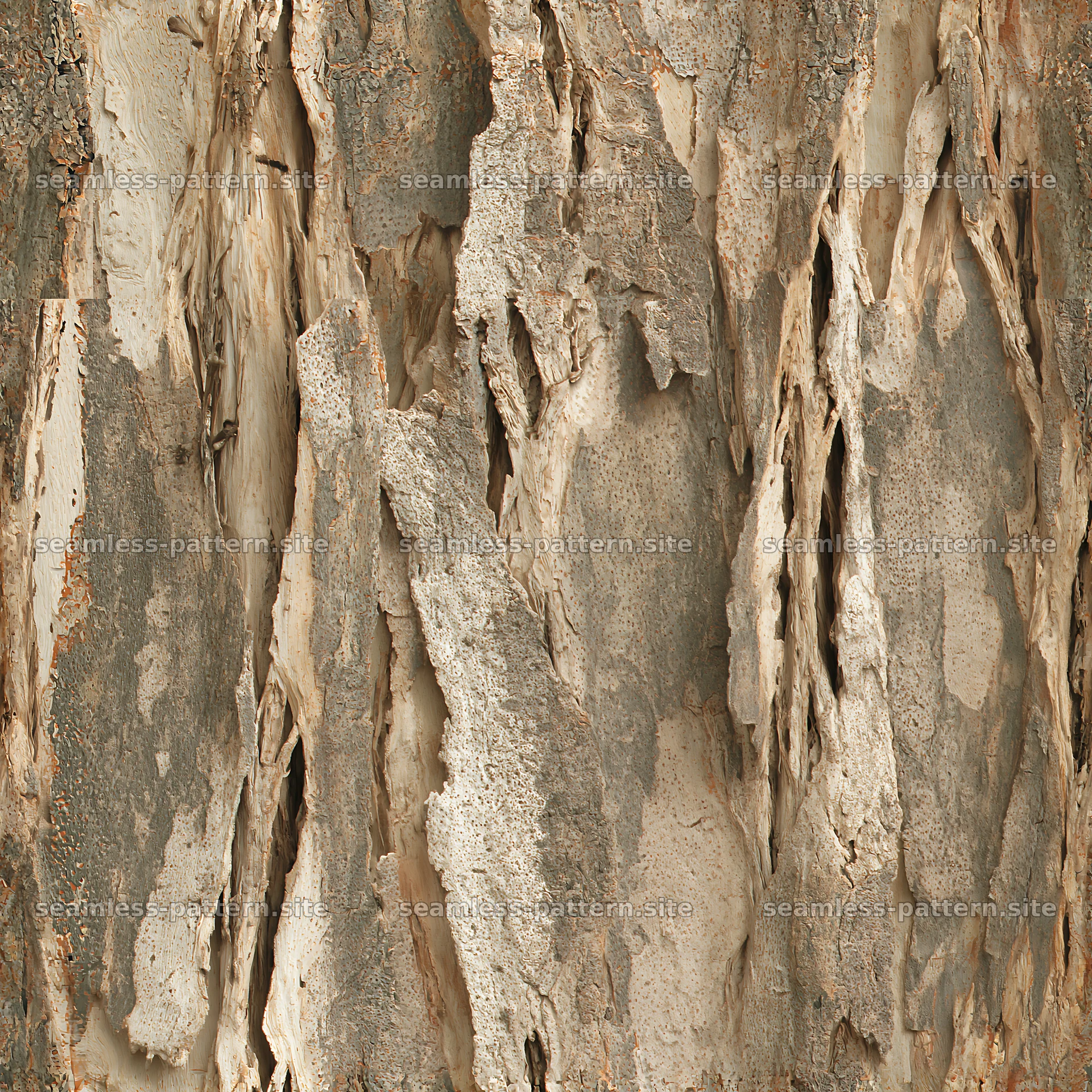
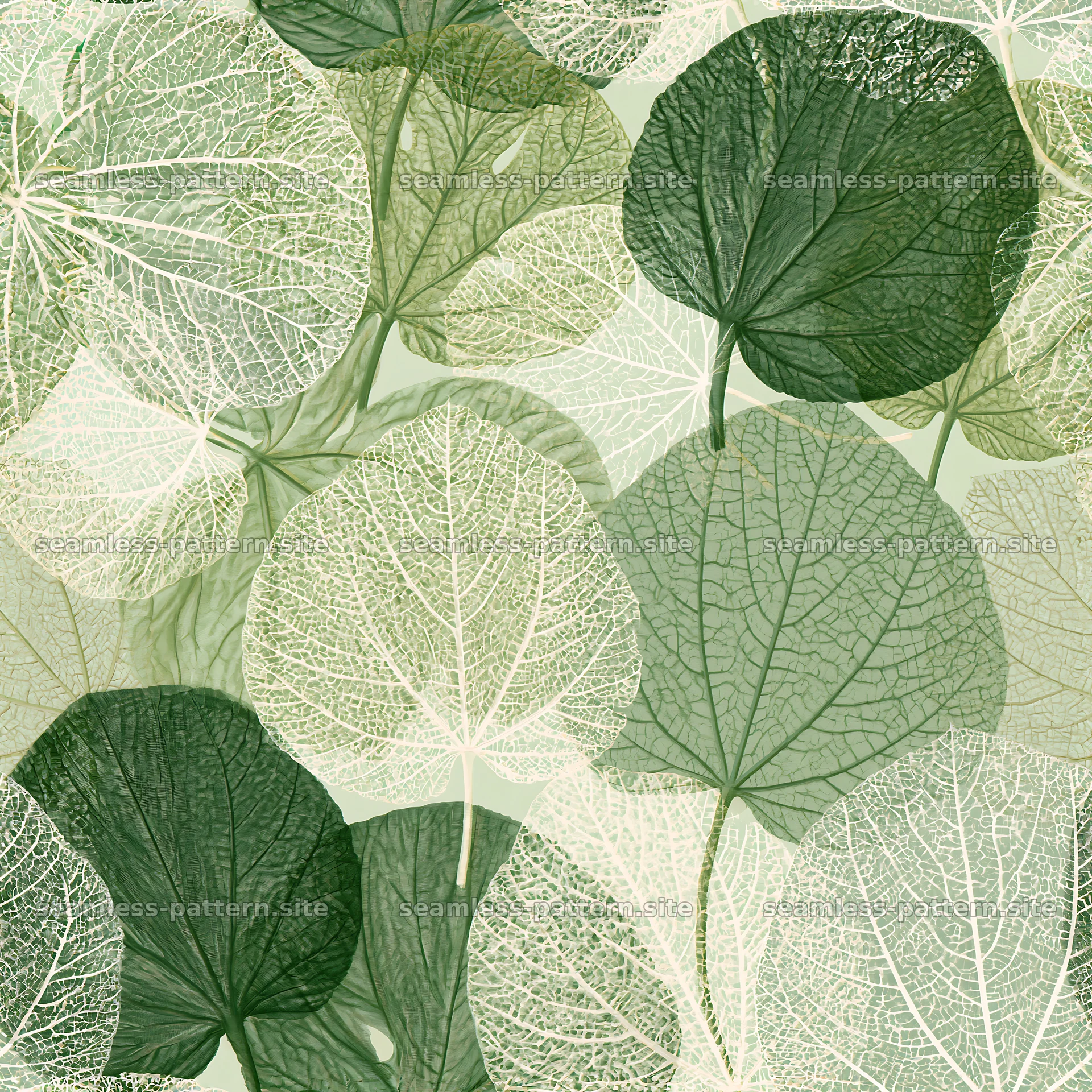
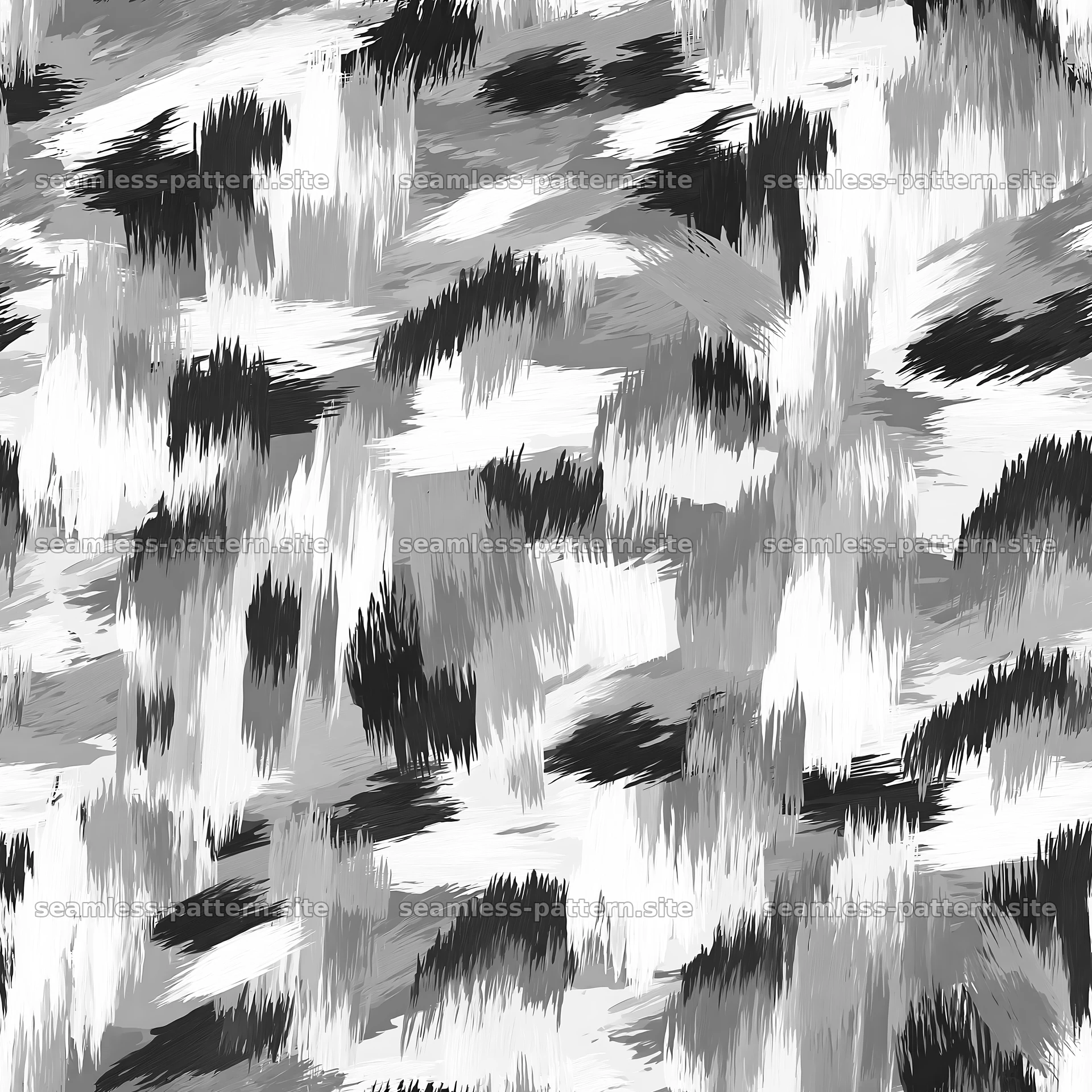
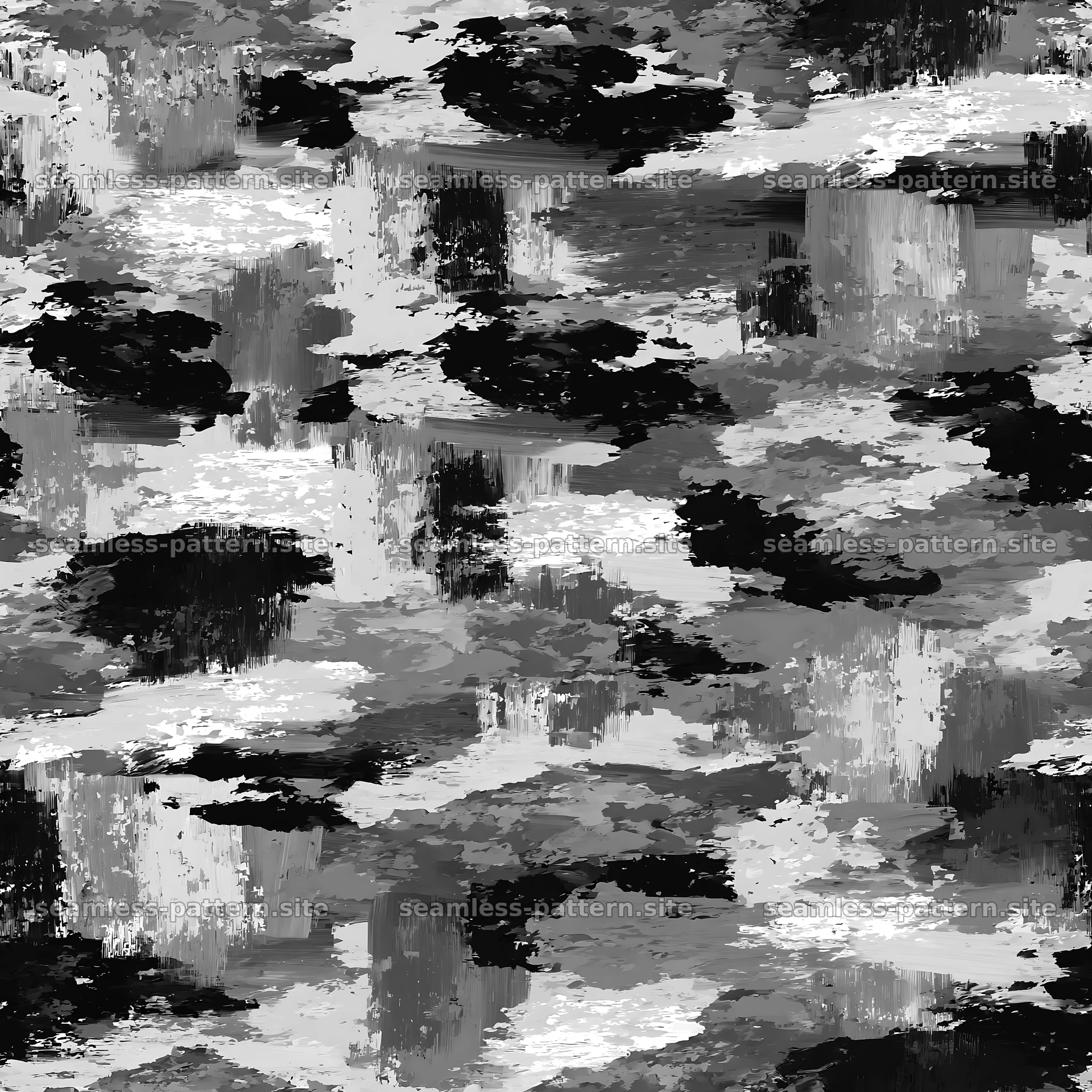
JPEG is well suited to opaque patterns with continuous color, brush texture, gradients, or many small tonal variations. Compression can make an 8K image much smaller than an equivalent lossless file. That is useful for high-resolution print assets, mockups, and full-background artwork. The patterns offered here use high-resolution JPEG originals because the designs are opaque raster compositions rather than isolated transparent motifs.
JPEG does not support transparency and uses lossy compression. Repeated saving at aggressive quality settings can introduce blocks or halos, including at the tile edges. Keep the downloaded original as a master, edit a copy, and export once at a high quality. If a printer accepts JPEG and the background is meant to remain visible, the lack of transparency is not a disadvantage.
When PNG or SVG is better
PNG is a raster format with lossless compression and optional transparency. Choose it when motifs need to sit over a changeable background or when hard-edged flat graphics must avoid JPEG artifacts. Large photographic PNG files can become extremely heavy, so transparency should solve a real production need. Verify transparent edge pixels against both light and dark backgrounds; hidden matte colors can appear as seams.
SVG is appropriate when the original artwork consists of vector paths and the receiving workflow supports SVG. It can scale from a small label to a wall without raster resampling, and individual colors or shapes may remain editable. Converting a JPEG to SVG does not restore true vector information. Automatic tracing creates new paths and can change edge details, so the traced tile must be tested again.
Use a simple delivery checklist
Confirm the accepted formats of the destination before editing. Spoonflower, for example, currently accepts JPG or PNG uploads rather than SVG, while a browser can repeat JPEG, PNG, WebP, or SVG backgrounds. A print shop may prefer a flattened raster file, whereas a packaging designer may ask for an editable Illustrator document. Platform requirements take priority over generic advice.
Keep one untouched master, preserve the exact tile boundaries, embed a suitable color profile, and use descriptive filenames that include the design and version. Never enlarge a small raster simply by changing its DPI metadata; inspect the actual pixel dimensions and planned physical size. The separate resolution guide covers that calculation, while the Photoshop and Illustrator guides show how to turn a downloaded tile into a reusable pattern inside each application.